Windows over RDP
Built on FreeRDP, with everything that matters day to day.
- NLA and Kerberos
- H.264 for smooth video
- Microphone redirection
- Drive redirection (read-only)

Your data centre. In your hand.
Windows desktops over RDP, Omnissa Horizon and SSH terminals in one native app for iPhone and iPad. The Mac version is in development.
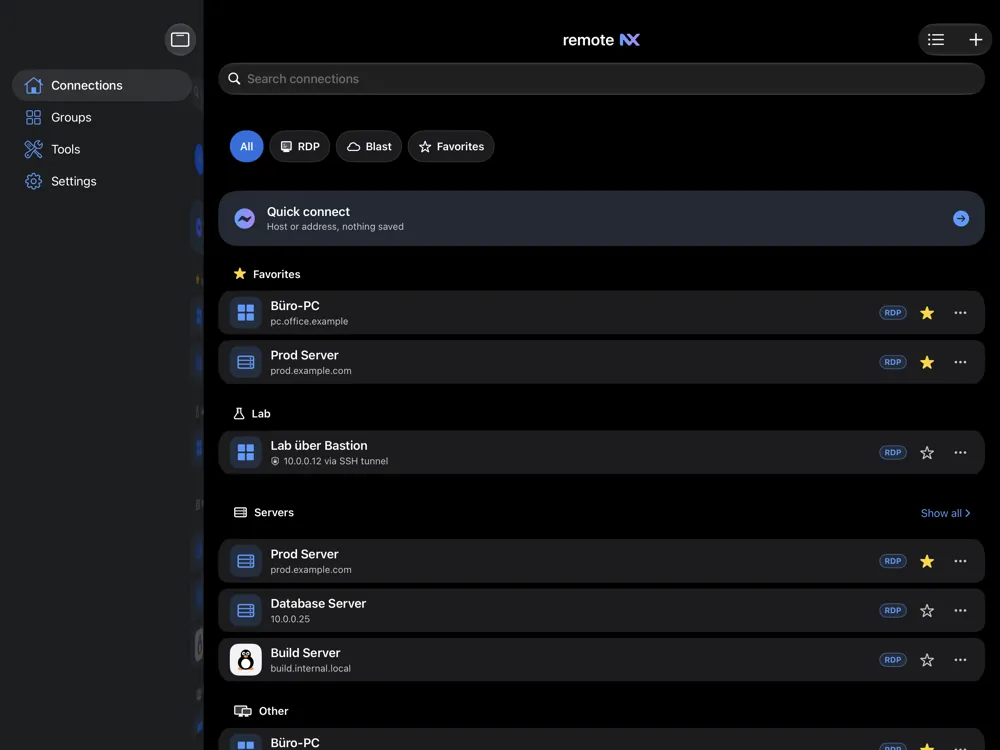

Protocols
Windows workstation, virtual desktop or Linux server: remoteNX handles RDP, Blast and SSH – natively on your Apple device.
Built on FreeRDP, with everything that matters day to day.
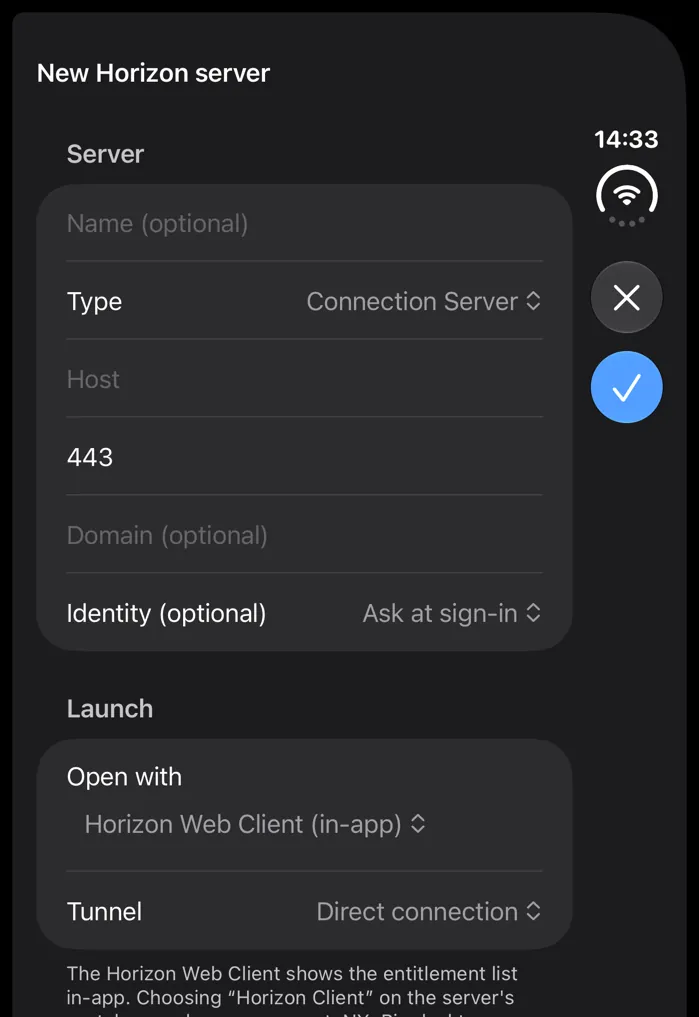
Horizon and Access desktops over Blast – in the built-in web client or by hand-off.
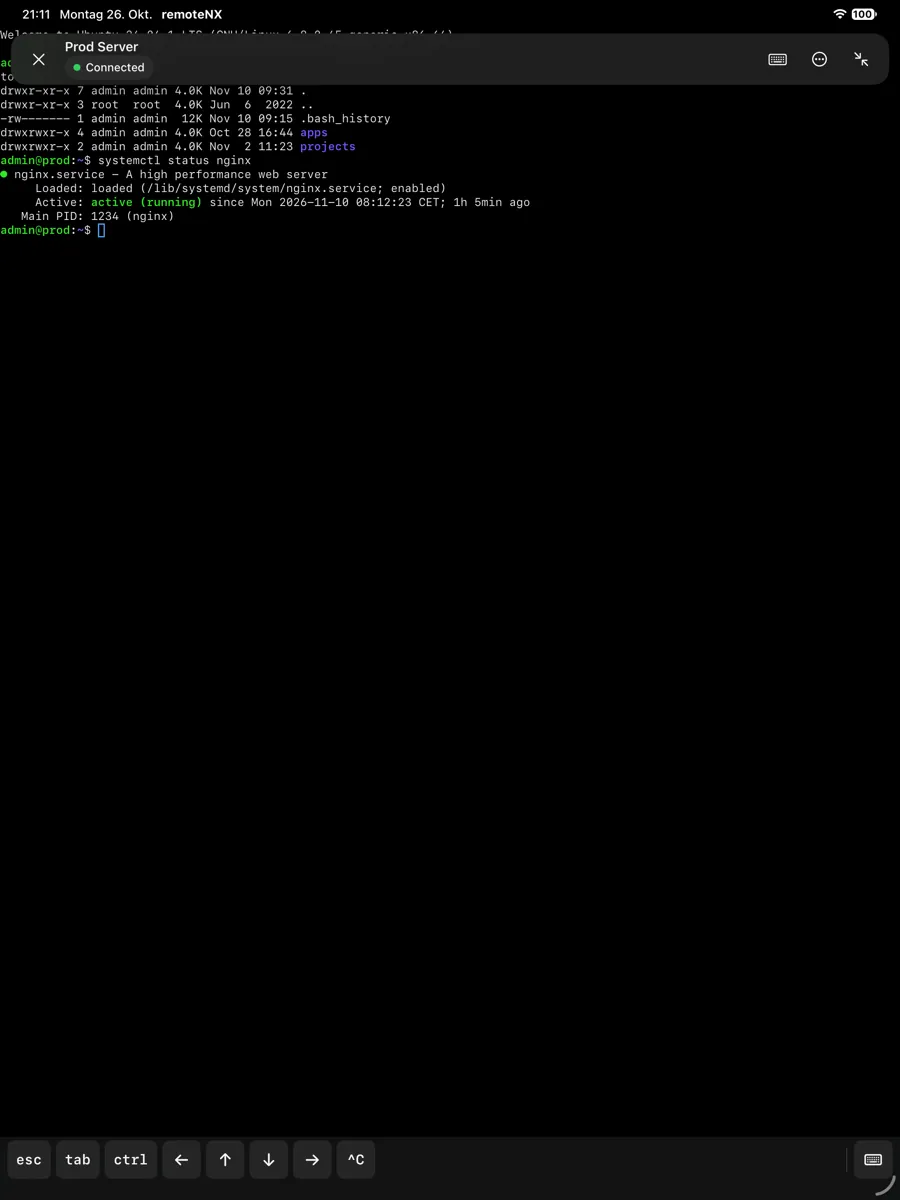
A real terminal with keyboard extras, themes and snippets.
Quick Connect
Quick Connect understands ssh commands as well as rdp and ssh URLs. Bring existing connections along by importing .rdp files, CSV and your OpenSSH config.
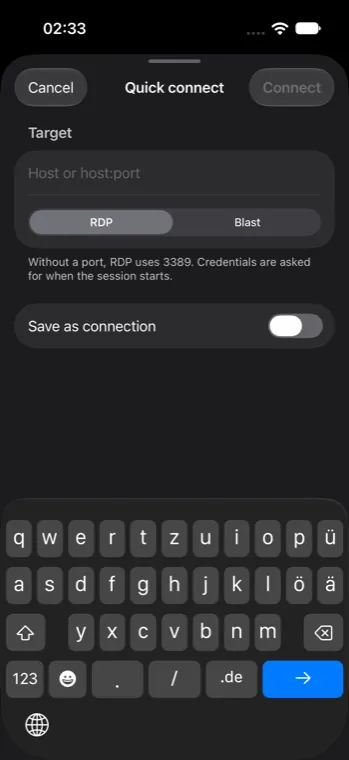
Built for every Apple device
Fully native SwiftUI. remoteNX adapts – from the iPhone in your pocket to the iPad – and soon the Mac.
One-handed, with a session bar and the Dynamic Island.
Sidebar, keyboard, trackpad and Split View.
Foldable: compact outside, two columns inside.
In development: the same native SwiftUI app for the Mac.
Live Activity
Running connections appear as a Live Activity on the Lock Screen and in the Dynamic Island, with status and duration. One tap takes you back into the session.
SSH power tools
Tunnels, keys and snippets are not add-ons. They are part of the app.

Chain as many jump hosts as you need (ProxyJump) and route RDP or SSH safely through them.
Local port forwards also run on their own, without a session.
Create Ed25519, ECDSA and RSA keys, import PuTTY keys and install the public key on hosts directly.
Save frequent commands once, insert them from the session menu or use them as a start command.
Themes, font, scrollback and bright bold – globally or per connection.
Alt, Ctrl, Esc, arrow keys, a key grid and gestures for working on glass.
Security & Privacy
No account, no tracking, no ads. Connections, credentials and keys stay on your device – and in your iCloud if you want.
No account, no advertising IDs, no tracking across apps. Statistics only if you turn them on.
Passwords and private keys live in the keychain. The app lock protects access to the app.
Connections, tunnels and identities sync through your iCloud. Passwords and keys only if you turn that on separately.
Off by default. If you agree, scrubbed reports go to our own server in the EU.
For organisations
Through Apple's ManagedApp framework, your MDM delivers connections, certificates, keys and policies. People open the app – and everything is there. In development, coming with a future release.
Intune, Jamf, Workspace ONE, Apple Business Essentials and any MDM with Declarative Device Management.
<!-- com.apple.configuration.managed -->
<dict>
  <key>telemetryAllowed</key>
  <false/>
  <key>reviewPromptAllowed</key>
  <false/>
  <!-- connections, certificates, keys … -->
</dict>
remoteNX is in beta. The public release follows – until then we test with TestFlight.
The public beta runs on TestFlight. How it works ›