
Features
Everything remoteNX can do.
An overview of every feature – with real screenshots from the app. The app's interface is in English for now.
RDP
Windows desktops over RDP.
Built on FreeRDP and secure by default: anything that could let data out is something you turn on deliberately.
- NLA and Kerberos. Sign-in before the session starts, in domains too.
- H.264. Smooth pictures for video and animation.
- Microphone. Redirects your microphone to the session when you allow it.
- Read-only drives. Optionally make local files available in the session without them being changed.
- Keyboard and trackpad on iPad. Hardware keyboard and trackpad work directly in the session.
- Ctrl+Alt+Del. From the key bar, no finger gymnastics.
- Clipboard off by default. For security; turn it on per connection.
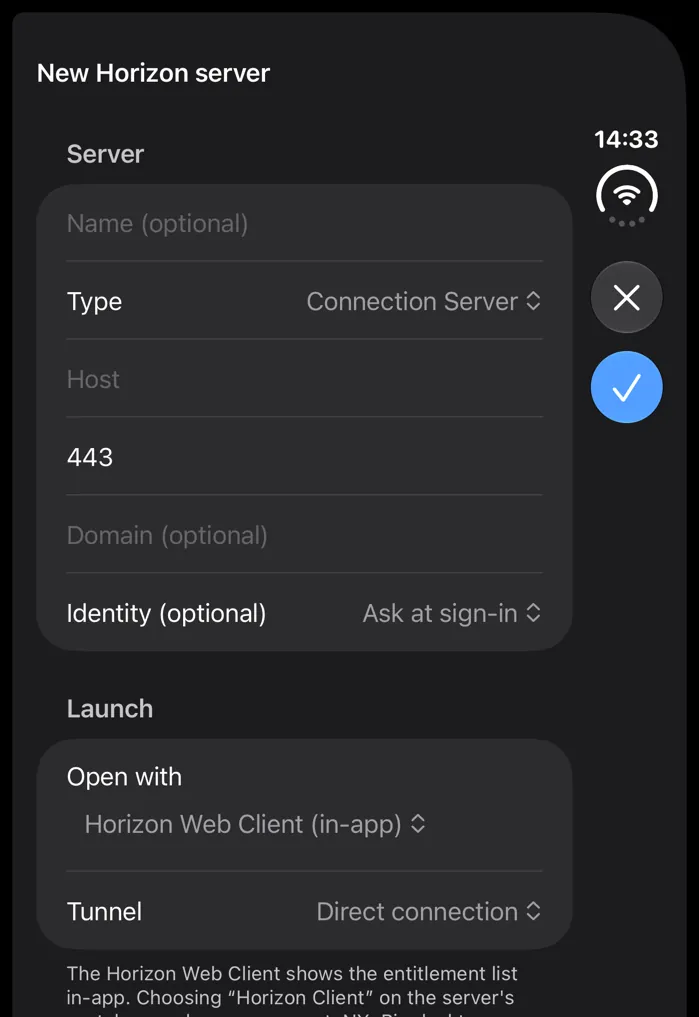
Omnissa Horizon and Access
Virtual desktops over Blast.
Add Horizon Connection Servers or Omnissa Access tenants and start your desktops and apps right from remoteNX.
- Web client in the app. The Horizon Web Client runs inside remoteNX.
- Hand-off. If you prefer, the session opens in the Horizon Client when it is installed.
- Access catalogue. Desktops and apps from your Omnissa Access catalogue.
- Unified Access Gateway. Also works through a UAG from outside the corporate network.

SSH
A terminal for real work.
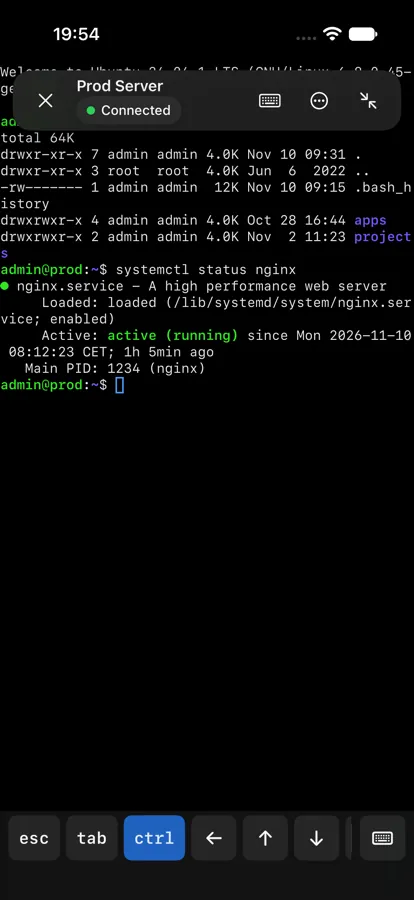
A full SSH terminal with everything around it – keys, tunnels and snippets included.
- Terminal with themes. Themes, font, scrollback and bright bold, globally or per connection.
- Key bar and key grid. Esc, Tab, Ctrl, Alt, arrow keys and gestures.
- Snippets. Save commands and insert them with a tap or use them as a start command.
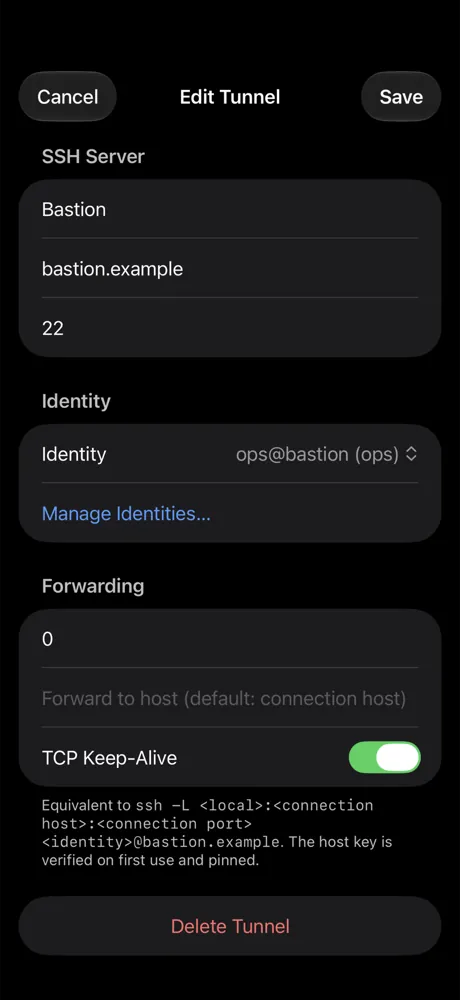
- Tunnels and jump hosts. Connect through a chain of jump hosts (ProxyJump).
- Standalone port forwards. Local forwards, even without an open session.
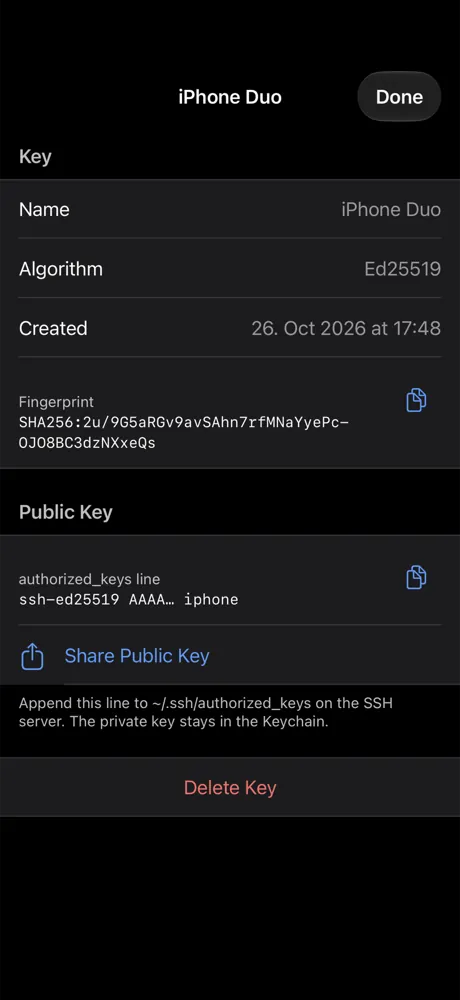
- Keys. Create or import Ed25519, ECDSA and RSA keys, PuTTY .ppk included.
- Install on hosts. Add the public key to authorized_keys in one step.
- Known hosts. Pinned host keys with a warning when one changes.
Connections
Order for many servers.
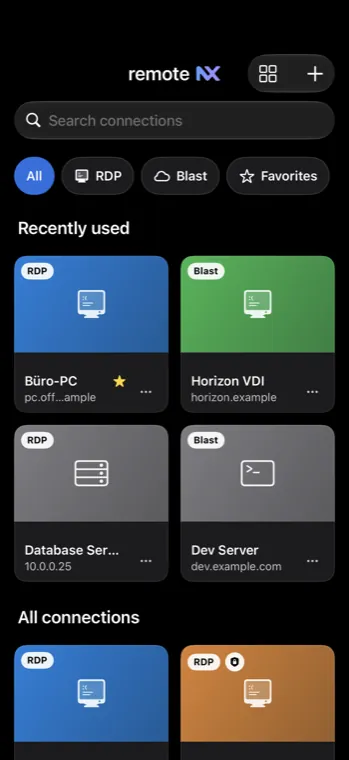
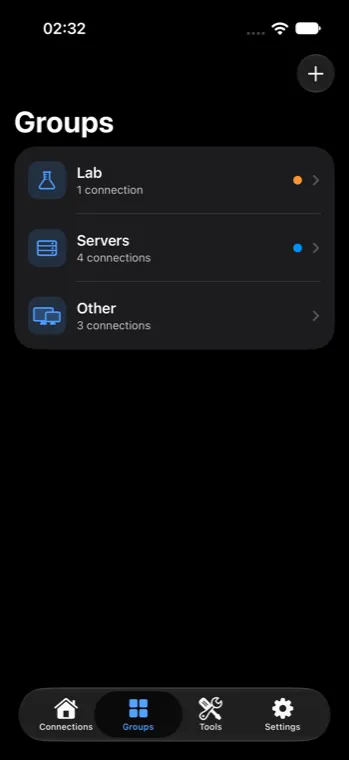
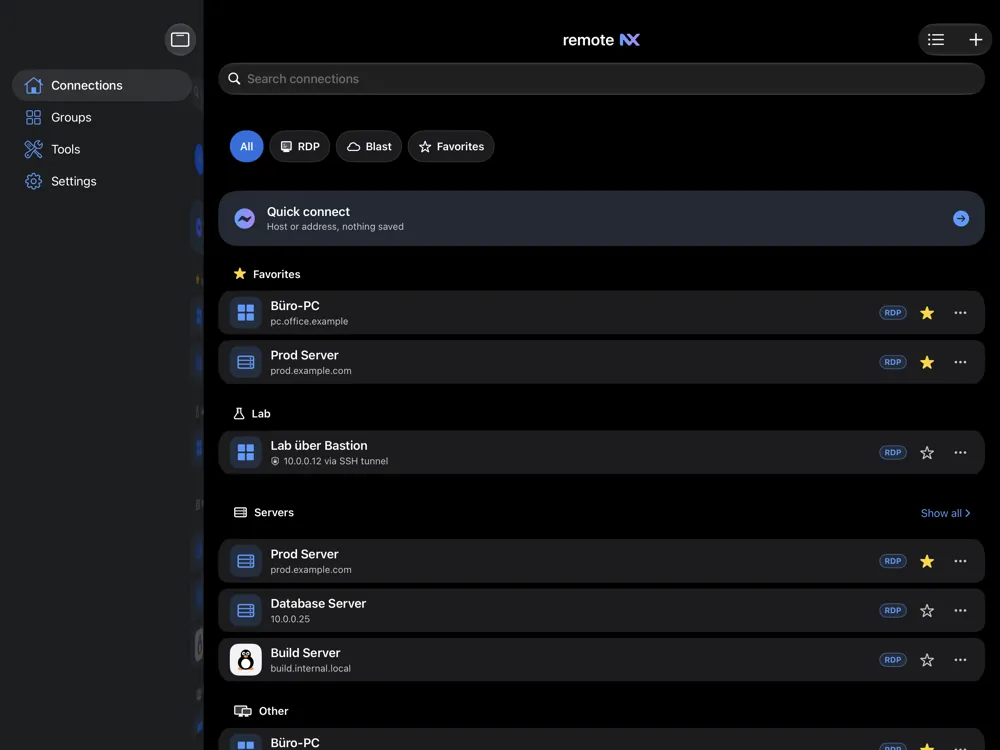
Three machines or three hundred: groups, tags and search keep the list clear.
- Groups. Collect connections by topic.
- Tags. Mark and filter across groups.
- Favourites. What matters most, always on top.
- Search. By name, host and tags.
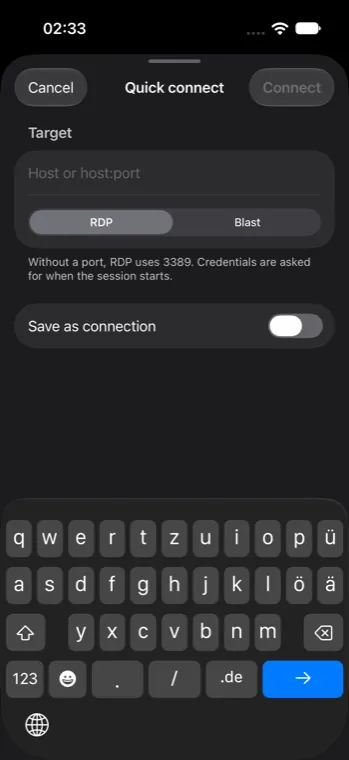
- Quick Connect. Understands ssh commands as well as rdp and ssh URLs.
- Import. .rdp files, CSV and OpenSSH config.
- iCloud sync. Your connections on all your devices.
Devices
For every format.
One native SwiftUI app that adapts to the screen.
- iPhone. One-handed, with a session bar and the Dynamic Island.
- iPad. Sidebar, hardware keyboard and trackpad.
- iPhone Duo. Foldable: compact outside, more room when unfolded.
- Mac. In development.
Live Activity
Sessions on the Lock Screen.
Running connections appear as a Live Activity and in the Dynamic Island.
- Status and duration. Every running session at a glance.
- One tap back. Straight back into the session.
- Created locally. No data is sent to us for this.